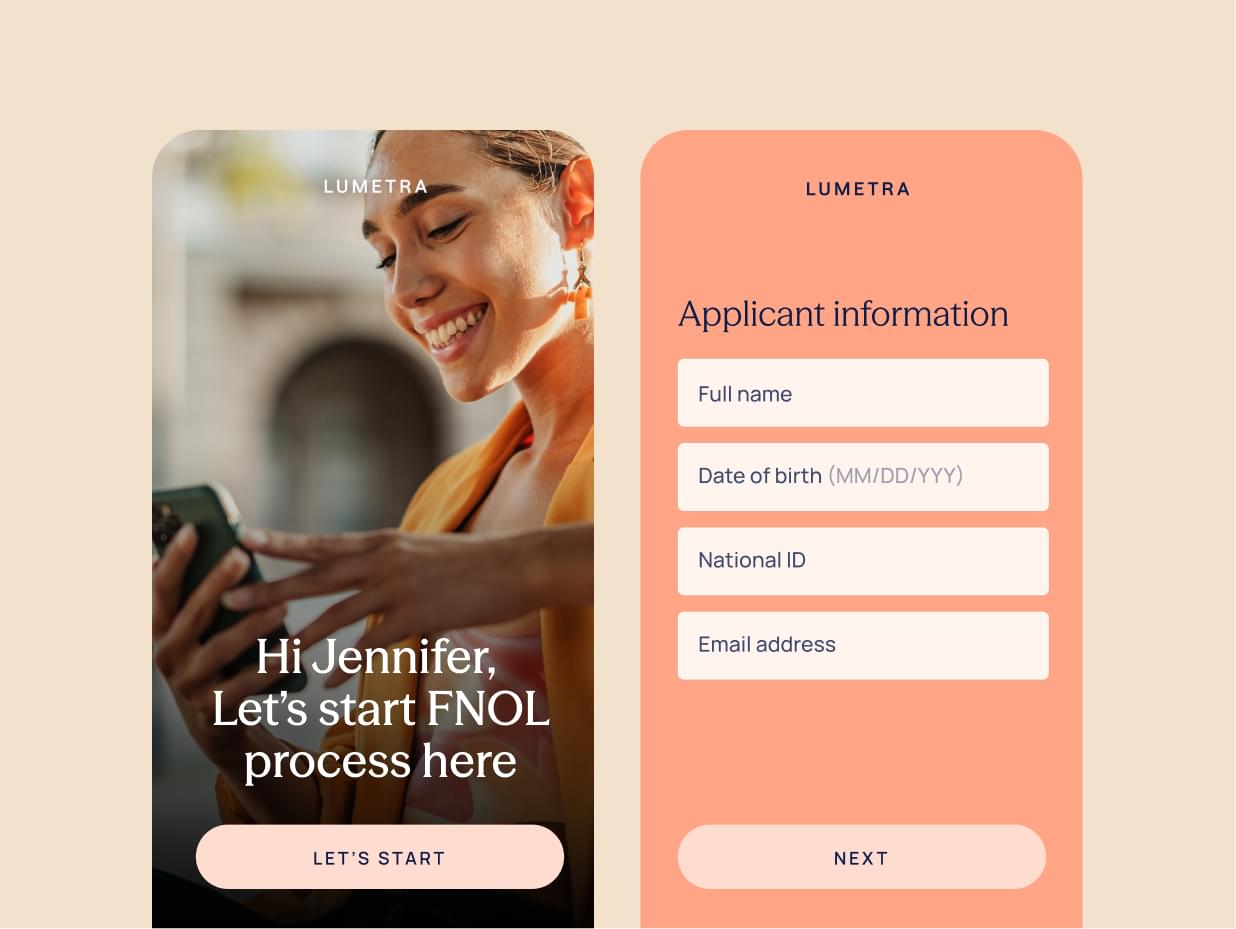
- EasySend is designed for complex onboarding workflows, where agreements are only one step in a broader process that includes data collection, document uploads, approvals, and CRM integration.
- For complex distributor onboarding workflows with multiple steps, validations, and stakeholders, EasySend is typically the better solution.
- DocuSign is one of the most widely used eSignature platforms and is excellent for sending agreements and collecting signatures from multiple parties.
- For simple distributor contracts, DocuSign is usually enough.
Introduction
Distributor agreements are rarely just a document that needs to be signed.
Before an agreement can be executed, companies often need to:
- Collect distributor company information
- Gather compliance documentation
- Validate tax or licensing data
- Route approvals internally
- Generate the final agreement
- Collect signatures from multiple stakeholders
Many organizations start by implementing an eSignature platform like DocuSign to digitize agreements. However, they soon discover that signing the document is only one piece of the process.
Platforms like EasySend approach the problem differently by orchestrating the entire workflow, from onboarding to agreement signing.
Understanding this distinction is critical when evaluating which platform works best for multi-party distributor agreements.
How EasySend approaches multi-party distributor agreements
EasySend takes a different approach by focusing on digital journeys rather than individual documents.
Instead of starting with the agreement, EasySend begins with the entire onboarding workflow.
1. Guided distributor onboarding journeys
EasySend allows organizations to create multi-step onboarding journeys where distributors complete all required steps in a structured workflow.
A typical journey might include:
- Distributor submits company information
- Uploads compliance documentation
- Completes regulatory forms
- Generates agreement automatically
- Sends agreement for signature
This approach ensures that all prerequisites are completed before the contract stage.
2. Integrated document and data collection
Distributor onboarding often requires collecting multiple documents.
EasySend supports workflows that include:
- Document uploads
- Required document checklists
- Data validation
- Conditional logic
This eliminates the need for multiple disconnected forms or emails.
3. Multi-party approval workflows
Distributor agreements typically require internal approvals before the final signature.
EasySend can route requests automatically to:
- Compliance teams
- Legal teams
- Finance departments
- Sales managers
These approvals can happen before the agreement is generated or signed, ensuring contracts are only sent when everything is ready.
4. Built-in signing workflows
EasySend also supports eSignature workflows, including serial and parallel signing, making it suitable for multi-party approvals. (EasySend)
This means signing becomes part of the overall onboarding journey rather than a separate step.
EasySend vs. DocuSign: key differences
What DocuSign does well
DocuSign is one of the most established eSignature platforms and is widely used to send documents for signature and track agreement status. (docusign.com)
Core strengths
1. Reliable multi-party eSignature workflows
DocuSign supports both sequential and parallel signing orders, allowing organizations to define who signs first and who signs next. (certinal.com)
For distributor agreements, this can support scenarios such as:
- Distributor representative signs
- Distributor legal team countersigns
- Internal manager approves
- Company executive signs the final document
DocuSign automatically routes the document between signers and tracks the signing status.
2. Simple agreement management
DocuSign focuses heavily on agreement lifecycle management, allowing companies to:
- Send documents for signature
- Track status and reminders
- Store executed contracts
- Manage templates for recurring agreements
This works very well for businesses where the agreement itself is the primary workflow.
3. Large integration ecosystem
DocuSign integrates with hundreds of platforms, including CRM systems and productivity tools. (docusign.com)
This makes it easy to add eSignature functionality to existing systems.

Where DocuSign struggles in distributor onboarding
While DocuSign excels at document signing, distributor onboarding usually involves more than a document workflow.
Common challenges include:
1. Data collection happens outside the agreement
Distributor onboarding often requires collecting:
- Company details
- Banking information
- Compliance documentation
- Product certifications
With DocuSign, this information is often gathered through separate forms or PDFs before sending the agreement.
This creates fragmented workflows.
2. Limited onboarding orchestration
DocuSign’s workflow focuses on routing documents for signature, not orchestrating complex onboarding processes.
For example, distributor onboarding may require:
- Conditional steps based on distributor type
- Compliance document validation
- Multi-step approvals
- Integration with CRM objects
These workflows often require additional tools or manual coordination.
3. Poor experience when multiple interactions are required
In many distributor onboarding scenarios, partners must:
- Fill out forms
- Upload documents
- Sign agreements
- Wait for internal approvals
When these interactions occur across multiple systems, the process becomes slow and confusing.
Which platform is better for distributor agreements?
The answer depends on the complexity of the process.
DocuSign is best when:
- You only need to send agreements for signature
- The onboarding process happens elsewhere
- Agreements are the primary workflow
Typical example:
A company emails a distributor agreement and collects signatures.
EasySend is best when:
- Distributor onboarding involves multiple steps before signing
- Documents and data must be collected first
- Multiple teams must approve the distributor
- Agreements are generated dynamically
Typical example:
A distributor must submit company information, upload licenses, pass compliance checks, and then sign an agreement.
Final thoughts
DocuSign remains the industry standard for electronic signatures and is highly effective when the goal is simply to send documents and collect signatures from multiple parties.
However, distributor agreements rarely exist in isolation. They are usually the final step in a larger onboarding process that includes data collection, document validation, and internal approvals.
In these scenarios, platforms like EasySend provide a more comprehensive solution by turning distributor onboarding into a structured digital journey, with agreements and signatures built directly into the workflow.
For organizations managing complex partner ecosystems, the real question is not just how to sign agreements, but how to orchestrate the entire onboarding process efficiently.
FAQ

Forget forms. Create digital customer journeys.